In short
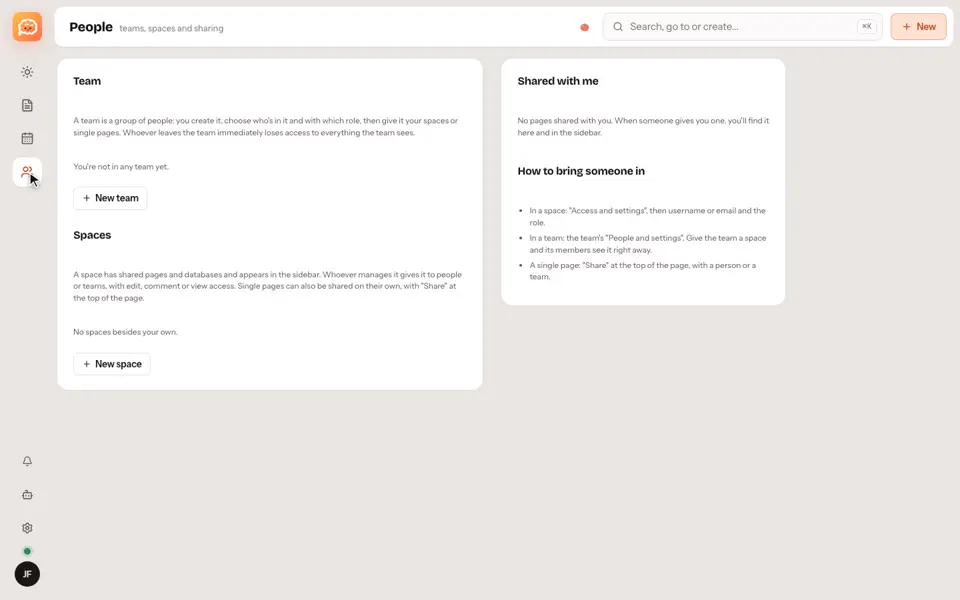
A space is a shared set of pages and databases, for you and other people.
Step by step
- Open People and create a space.
- Add people from its access settings, each one with a role.
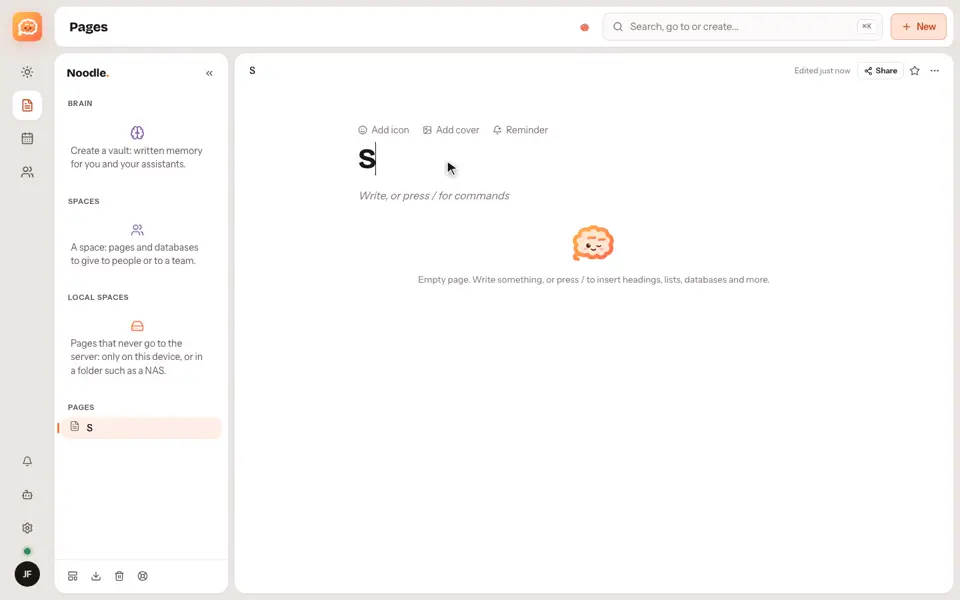
- To share a single page, use the Share button at the top.
Good to know
- Sharing needs Noodle Cloud, which is by invitation for now.
Video transcript
A space is a shared set of pages and databases, for you and other people. Open People, and create a space. Then add people from its access settings, each one with a role. You can also share one single page, with the Share button at the top. Sharing needs Noodle Cloud, which is by invitation for now. Noodle. Your notes, your rules.