In short
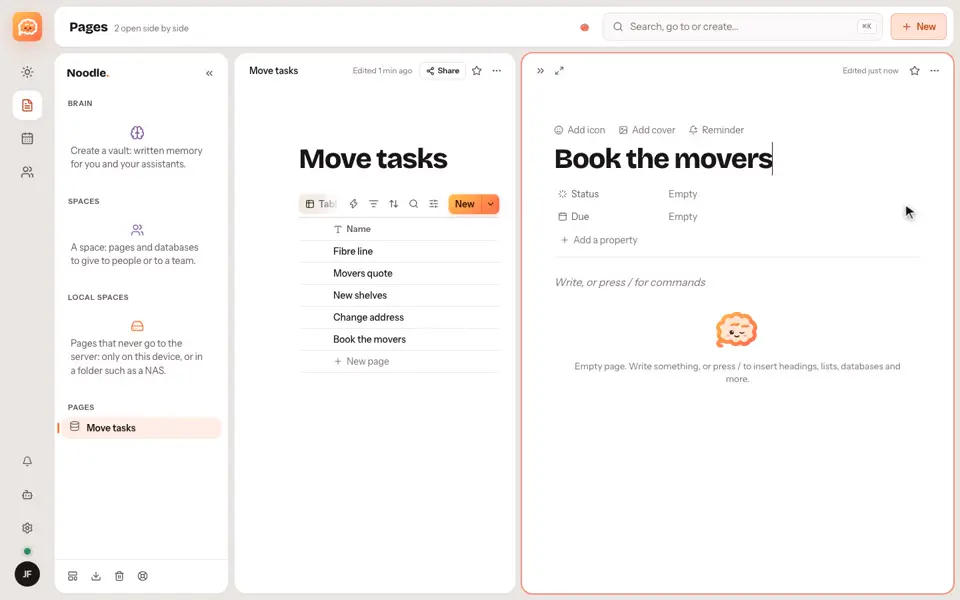
A page is a document made of blocks. Just write: Noodle saves as you type.
Step by step
- Click New and choose an empty page.
- Give it a title and start writing.
- Type a slash (/) to add a block, like a checklist, a table or a code block.
- Drag blocks to reorder them.
Good to know
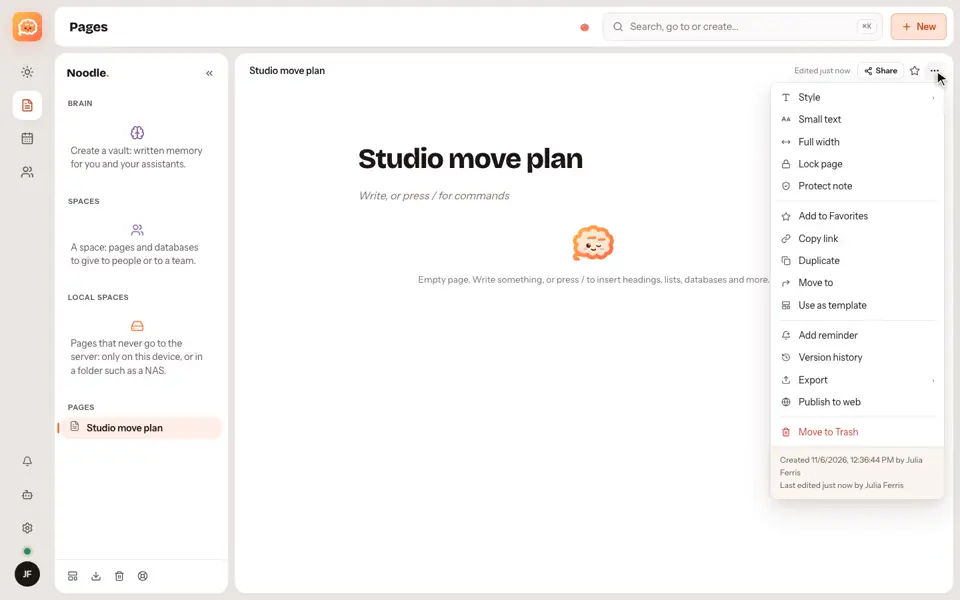
- Earlier versions stay in the page history.
- Each page can be exported as Markdown, HTML or PDF from its menu.
Video transcript
A page is a document made of blocks. Click New, choose an empty page, and give it a title. Then just write. Noodle saves as you type. Type a slash to add a block, like a checklist, a table, or a code block. You can drag blocks around, and earlier versions stay in the page history. Noodle. Your notes, your rules.