In short
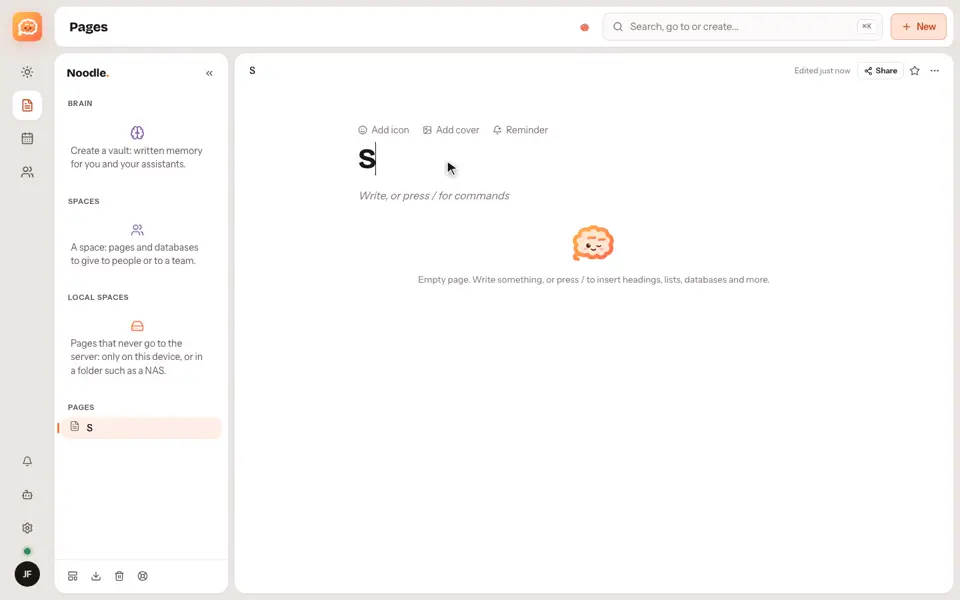
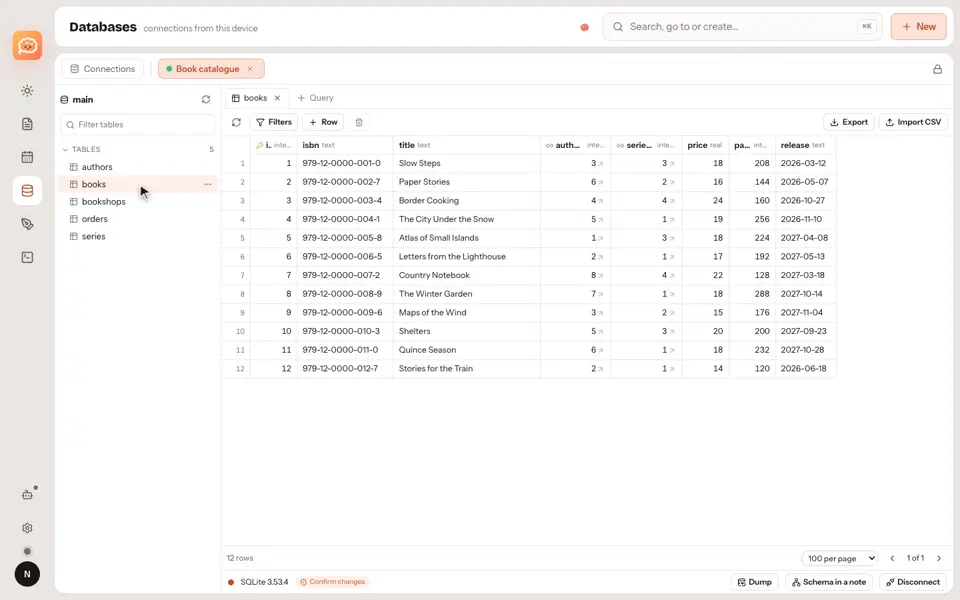
A database is a table where every row is also a page: you can open it and write inside.
Step by step
- Click New to add a row and give it a name.
- Use columns for text, dates, people, statuses and more.
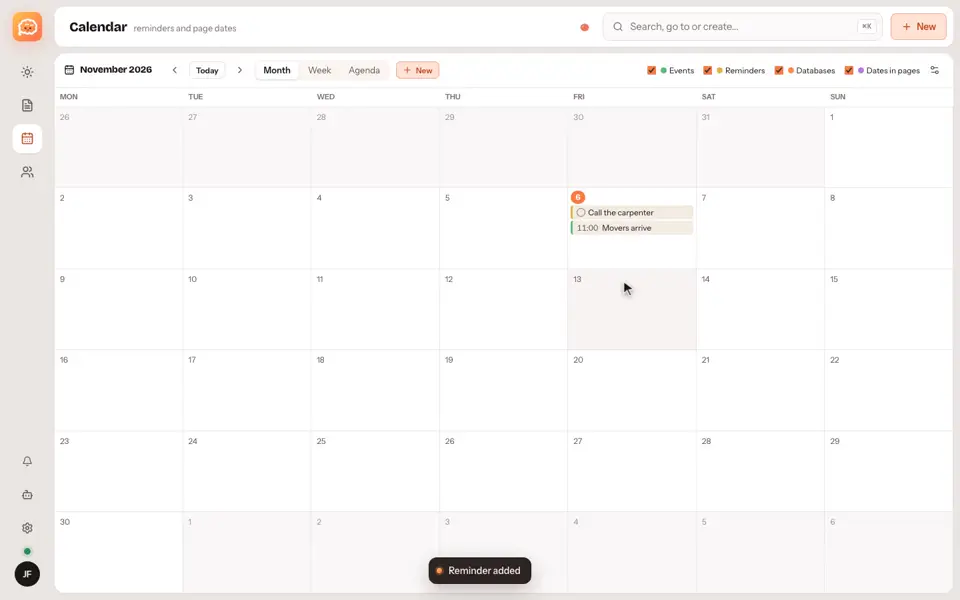
- Switch view: the same data can be a board, a list, a calendar or a chart.
Good to know
- Formulas, relations and automations are there when you need them, but you don't need them to start.
- Databases live in regular pages and team spaces. A Brain vault holds only Markdown notes.
Video transcript
A database is a table where every row is also a page. Click New to add a row, and give it a name. Columns can be text, dates, people, statuses, and more. Then switch view. The same data can be a board, a list, a calendar, or a chart. Formulas, relations, and automations are there when you need them. Noodle. Your notes, your rules.