Your coding assistant, right next to your notes.
Claude Code and Codex inside Noodle, just like their editor extensions: tabbed chats, session history, one-click permissions and file diffs. Put them in the right panel, in a full-screen tab or inside the Terminal, even on an SSH server.
Claude Code
Runs the claude program on your Mac, with your own account: Noodle never sees your credentials and nothing goes through any server.
No release published yet.
Codex
Talks to codex app-server, the same one the official editor extension uses. You need Codex installed and signed in (codex login).
No release published yet.
You need the Noodle app for Mac and the assistant's program installed on your Mac.
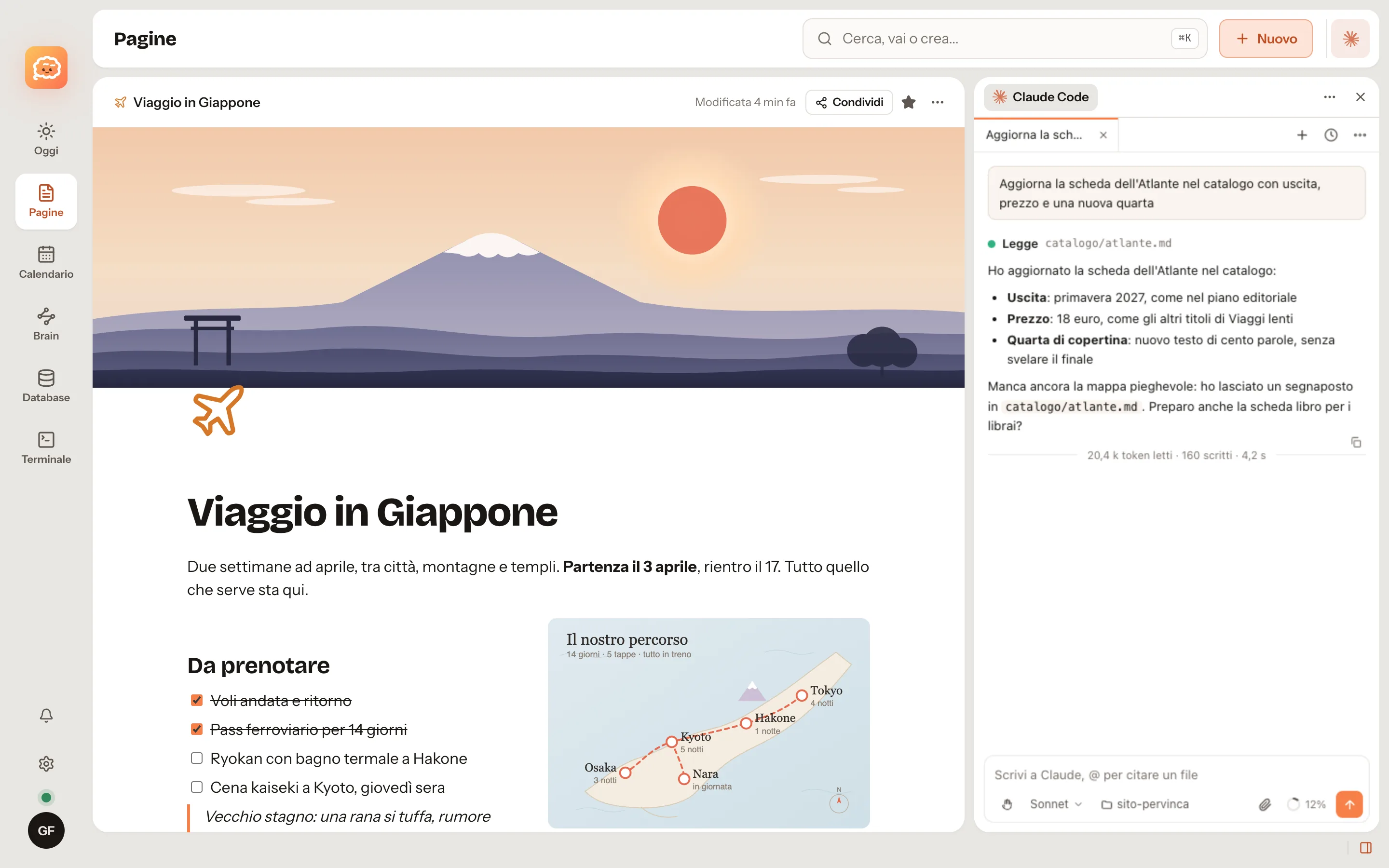
Tabbed chats
One conversation per tab, each in its own working folder. Tabs come back when you reopen the app.
Session history
Search, grouped by day, filtered by folder. Resume any session exactly where you left it.
One-click permissions
Allow, allow for the session or deny, from the keyboard with 1, 2 and 3. Or say what to do instead.
File diffs
Every change line by line, with real line numbers, before you approve it and after it lands.
@ to mention files
Search the files in your working folder. Attach images, PDFs and text by pasting or dragging.
Context and limits
Context used, plan limits and the cost of the chat, always under the input box.
Installation
- Download the integration .zip file.
- In Noodle open Settings > Integrations and click "Install integration...".
- Pick the file: Noodle shows what the integration will be able to do. Confirm with "Install and allow".
- With an account on a server, the integration also reaches your other Macs.
Exactly what it can do
Every integration declares its permissions and Noodle grants nothing else. These two can only start their own program (claude or codex) with the listed options and git in read-only mode, pick a working folder and send notifications. They do not read your pages, do not change notes or databases and make no web requests of their own.