In short
Noodle is a notes app with pages, databases, a calendar and a Brain of linked notes. It works offline, and you don't need an account to start.
Step by step
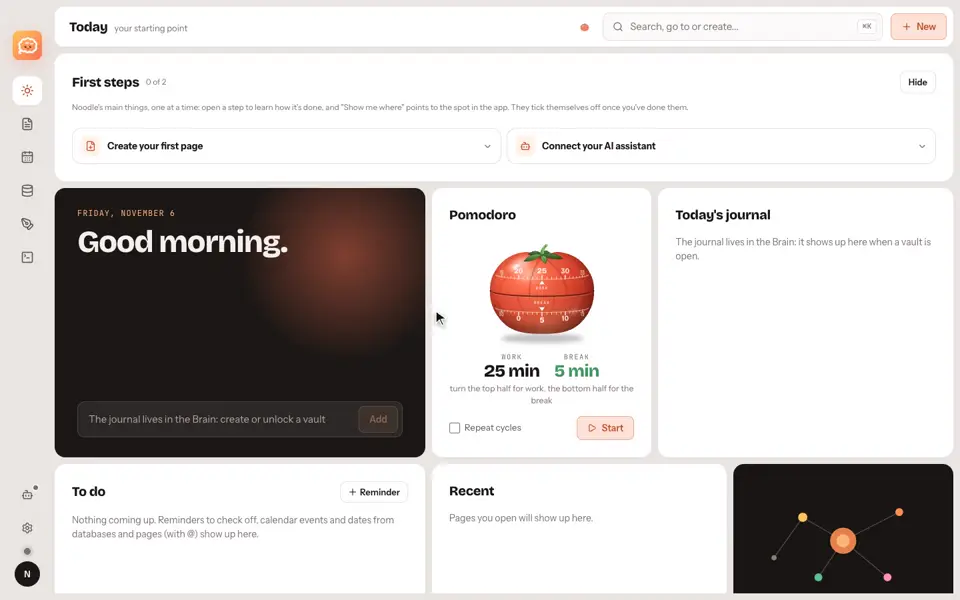
- Start from Today: your journal, your reminders and your recent pages.
- Pages holds your documents.
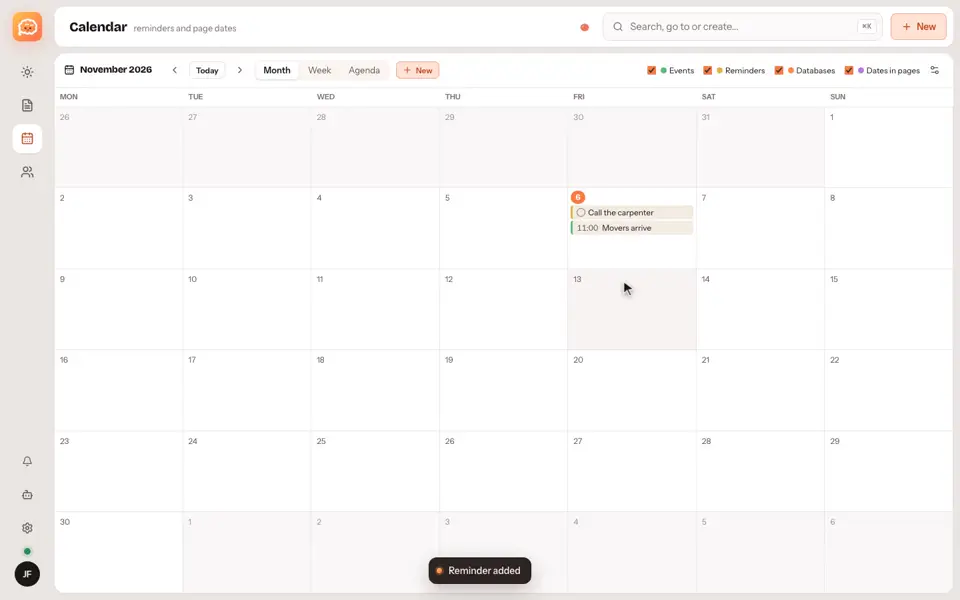
- Calendar holds your events.
- People holds your teams and spaces.
- Press Command K to find, open or create anything.
Good to know
- Command K is the first shortcut worth learning: it works from any section.
- To understand the idea behind the Brain, read what a second brain is.
Video transcript
Noodle is a notes app with pages, databases, a calendar, and a Brain of linked notes. Today is your starting point, with your journal, your reminders, and your recent pages. Pages holds your documents. Calendar holds your events. People holds your teams and spaces. Press Command K to find, open, or create anything. It works offline, and you don't need an account to start. Noodle. Your notes, your rules.