In short
A protected note stays locked until you confirm it's you.
Step by step
- Open the note's menu.
- Choose Protect note.
- Confirm, and the note locks.
Good to know
- Protected notes aren't kept on your devices.
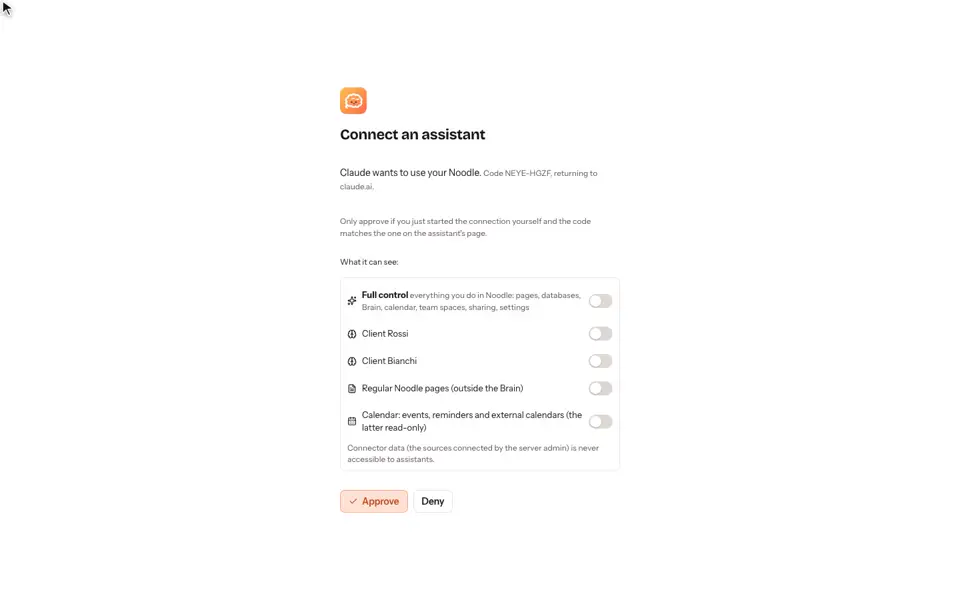
- Assistants can't read them.
- What else is encrypted, and what isn't, is on the security page.
Video transcript
A protected note stays locked until you confirm it's you. Open the note's menu, and choose protect note. Confirm, and the note locks. Protected notes aren't kept on your devices, and assistants can't read them. Noodle. Your notes, your rules.