In short
The Brain is a set of vaults: Markdown notes linked to each other. It's the right place for decisions, procedures and anything you want to find again.
Step by step
- In the sidebar, create a vault and give it a name.
- Add your notes.
- Link them by typing two square brackets:
[[. - Open the graph to see how your notes connect.
Good to know
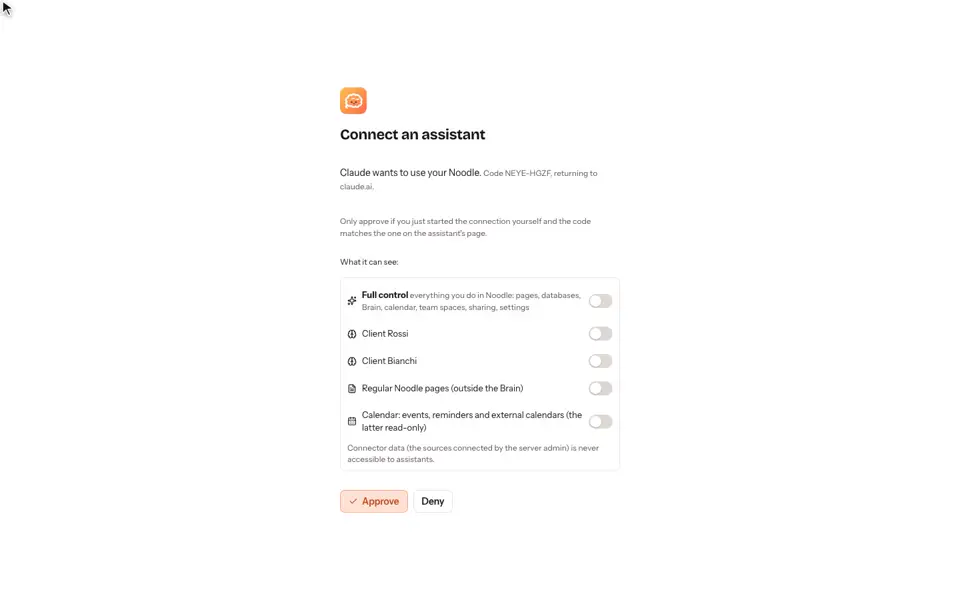
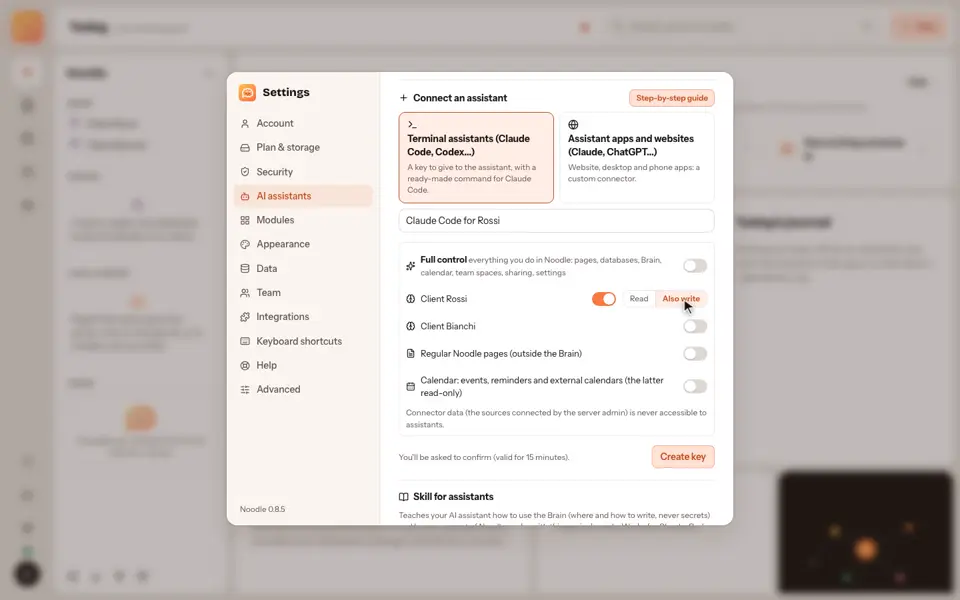
- Your assistants can read this memory too, but only if you allow it: see the guide on memory for AI assistants.
- If you work for several clients, you can keep a vault for each: see one vault per client.
Video transcript
The Brain is a set of vaults: notes in Markdown, linked to each other. In the sidebar, create a vault and give it a name. Add notes, and link them by typing two square brackets. Noodle draws the links as a graph, so you can see how your notes connect. Your assistants can read this memory too, but only if you allow it. Noodle. Your notes, your rules.