In short
The integration brings the Claude Code chat into Noodle, next to your notes. It uses the Claude Code on your Mac, with your own account.
Step by step
- Download its zip file from the Integrations page on the website.
- In the Mac app, open settings and choose Integrations.
- Install the file: Noodle shows exactly what the integration can do.
- Confirm with Install and allow.
- Open Claude Code from the side panel, pick a working folder and write your request.
Good to know
- You need Claude Code already installed on your Mac.
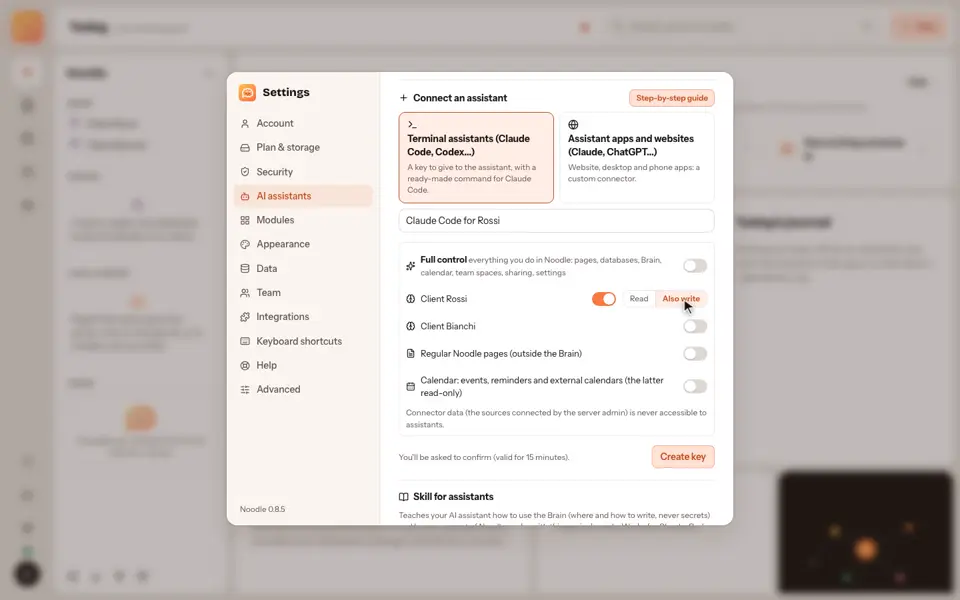
- This isn't the same as connecting Claude Code to your vaults: here you change where you use the chat, there what it can read.
Video transcript
The Claude Code integration brings the Claude Code chat into Noodle, next to your notes. Download its zip file from the Integrations page on the Noodle website. In the Mac app, open settings, choose Integrations, and install the file. Noodle shows exactly what the integration can do. Confirm with install and allow. Open Claude Code from the side panel, pick a working folder, and write your request. It uses the Claude Code on your Mac, with your own account. Noodle. Your notes, your rules.