Notes and AI assistants, on a single thread.
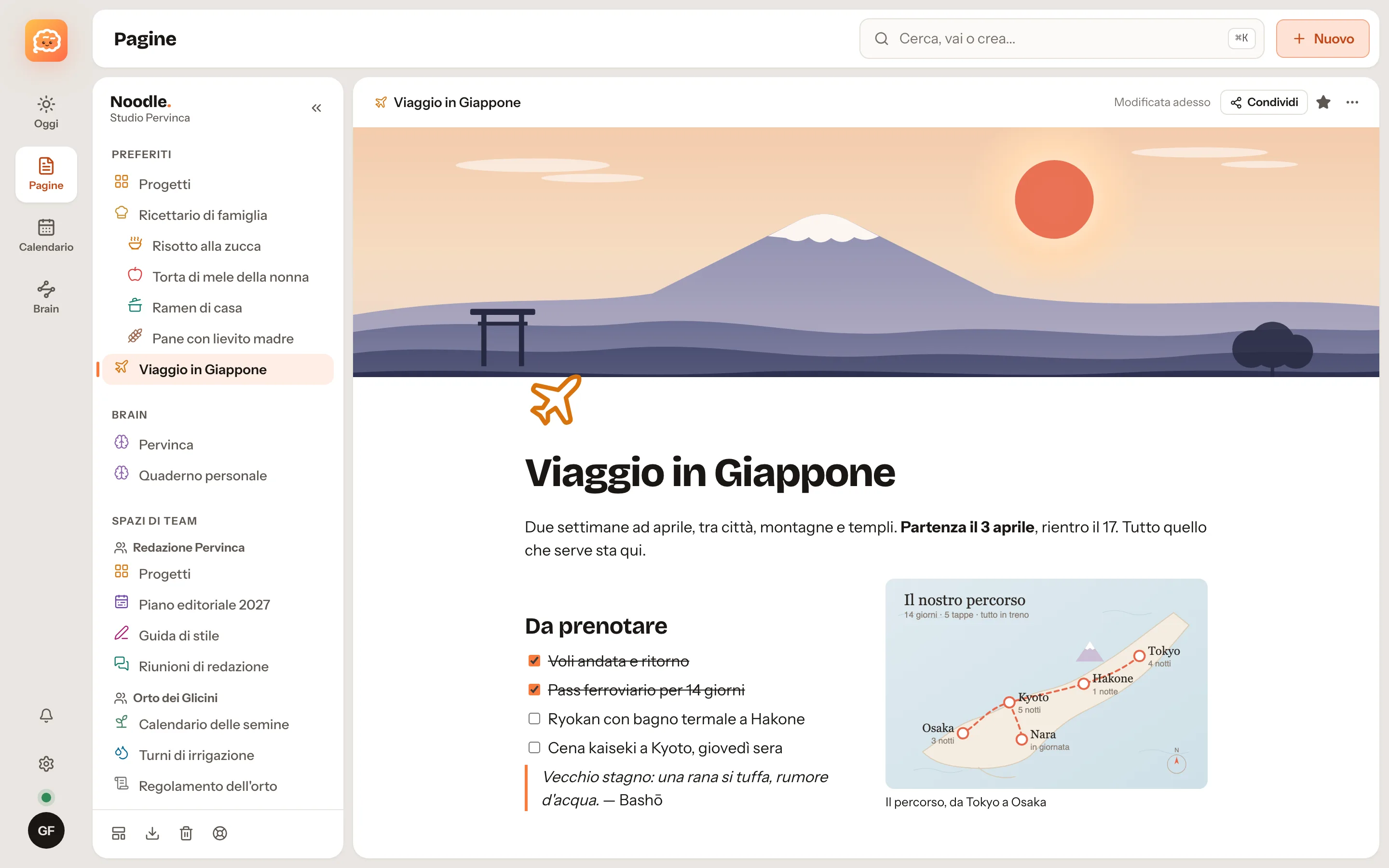
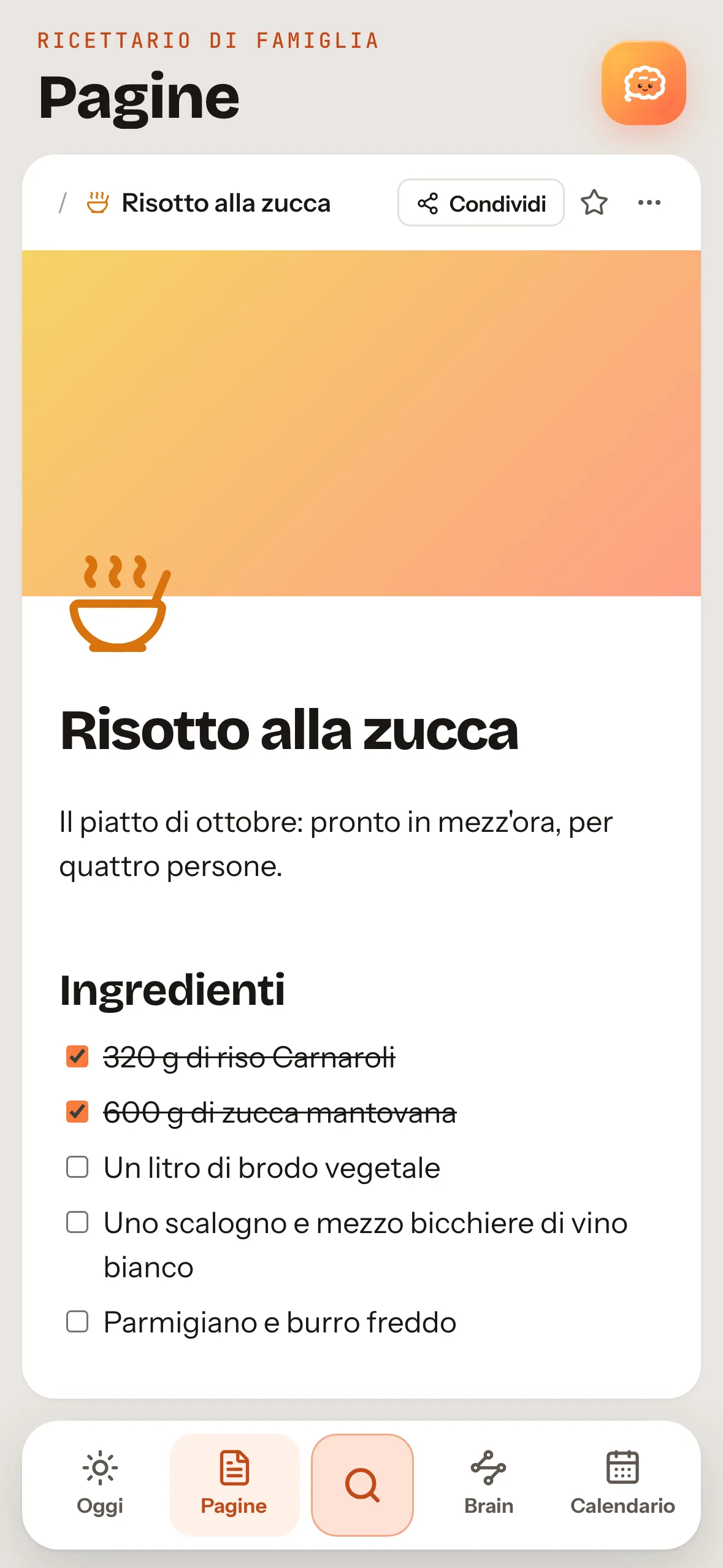
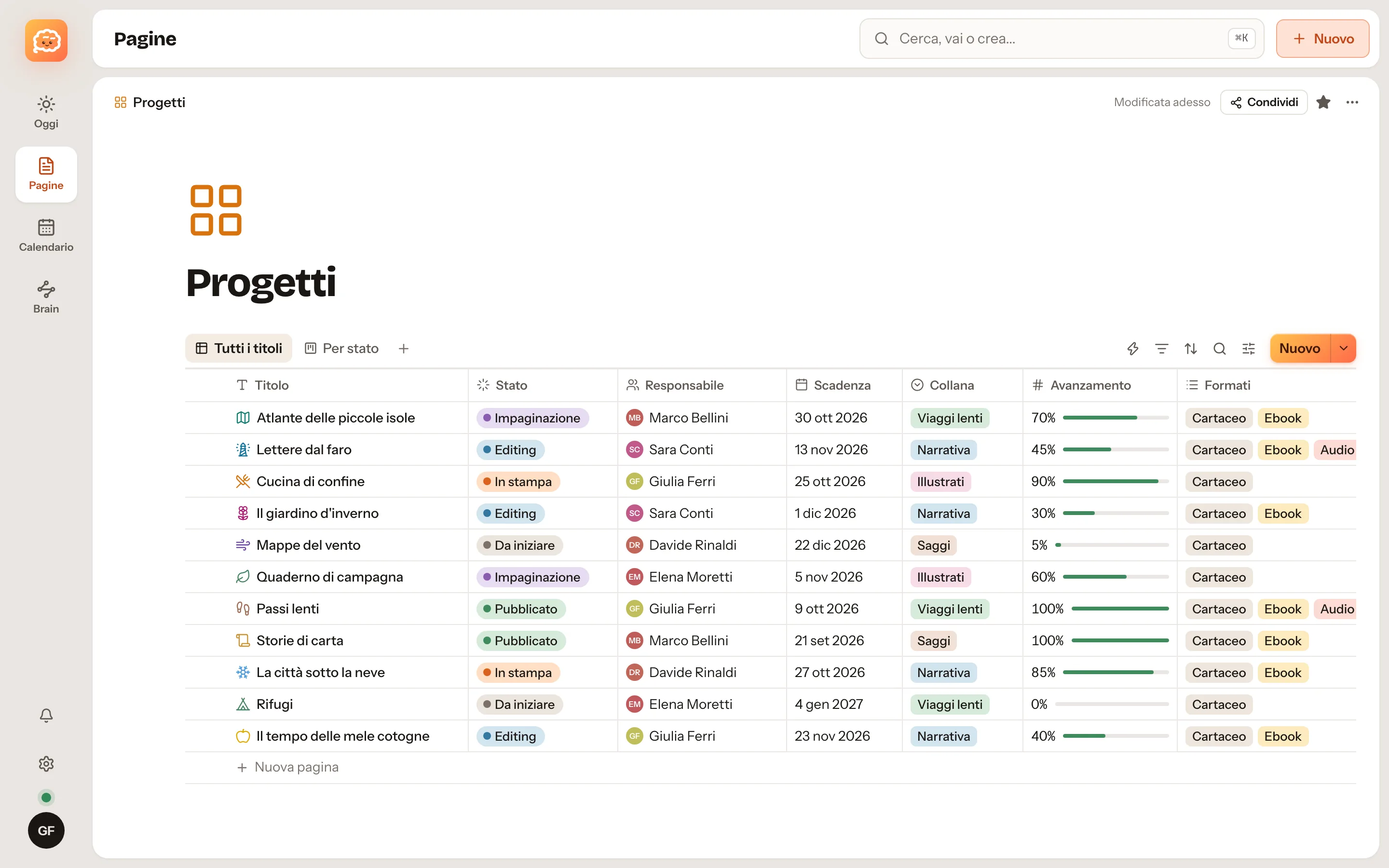
Noodle is a notes app for Mac, Windows, iPhone, iPad and Android with pages, databases, a calendar, a terminal and vaults of linked Markdown notes. It works offline and without an account. With Noodle Cloud, by invitation, your devices stay in step and it also opens in a browser. Claude, Codex and other MCP assistants read and write in it only with the permissions you grant.
- Works offline
- No account required
- Export everything anytime
What a second brain is and what it's for
A second brain is a place outside your head where you keep what you know, so you can find it when you need it. What it is, how to use one and why AI assistants need it too.
English voiceover with English captions.
Go to the blogOn your Mac or on Noodle Cloud: you decide.
Pages are stored on the device too, except protected notes, so Noodle opens and works without a connection. What changes is where the copy that keeps everything in step lives.
-
Free
Just this Mac
Download the app and start writing. No account: everything stays on your computer, including protected notes, encrypted on disk.
The easiest way to start. Move to Noodle Cloud whenever you like and your pages go up on their own.
-
By invitation
Noodle Cloud
Mac, browser and phone in sync in real time, shared spaces and teams, backups taken care of by us. Pages and notes are not end-to-end encrypted: the server can read them, to sync them and for the assistants you connect.
Live, by invitation and in a trial phase. Export your data at any time: Markdown, CSV and full backup.
What's inside Noodle
Draggable blocks, the "/" menu, mentions, comments, version history, pages published to the web.
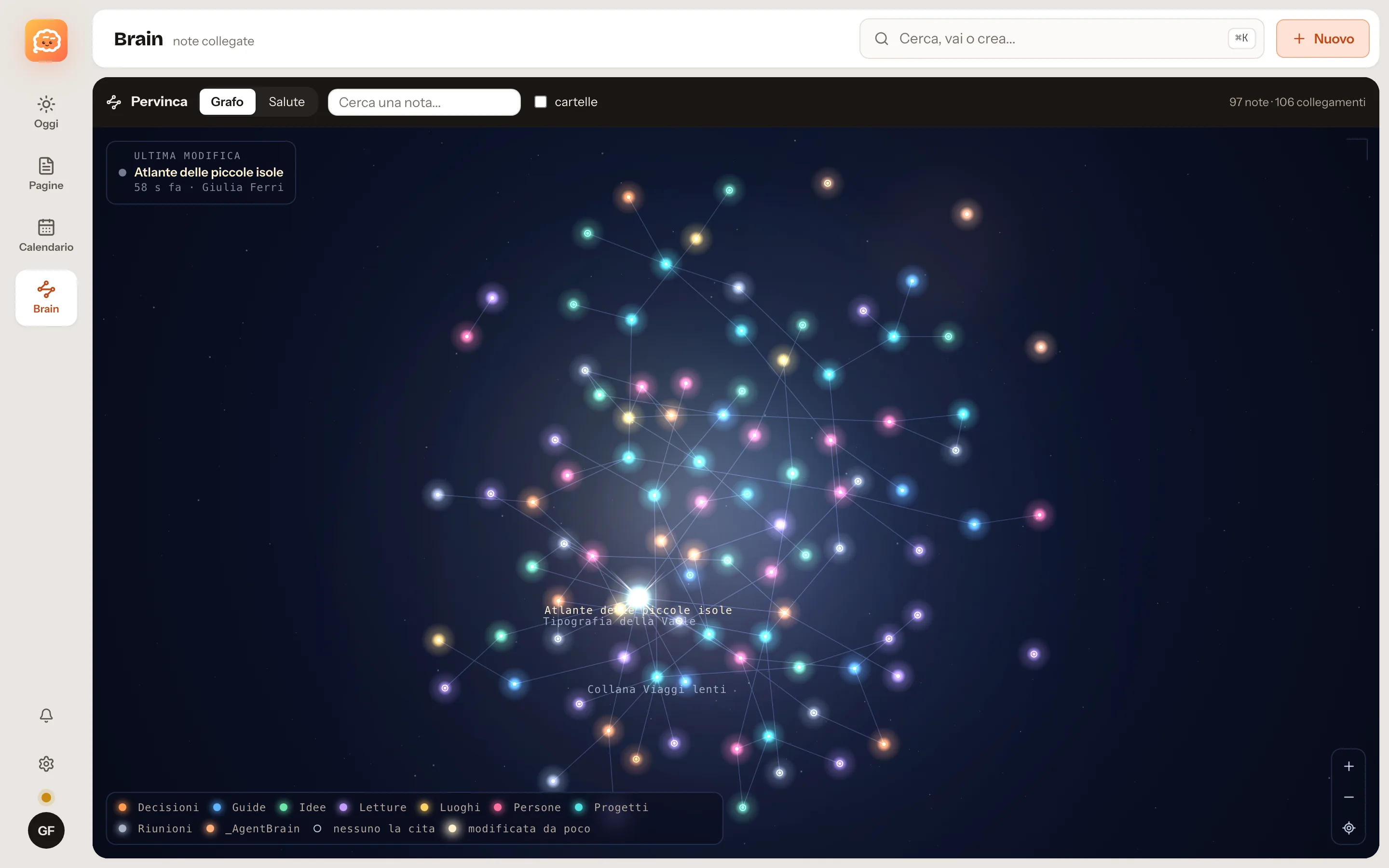
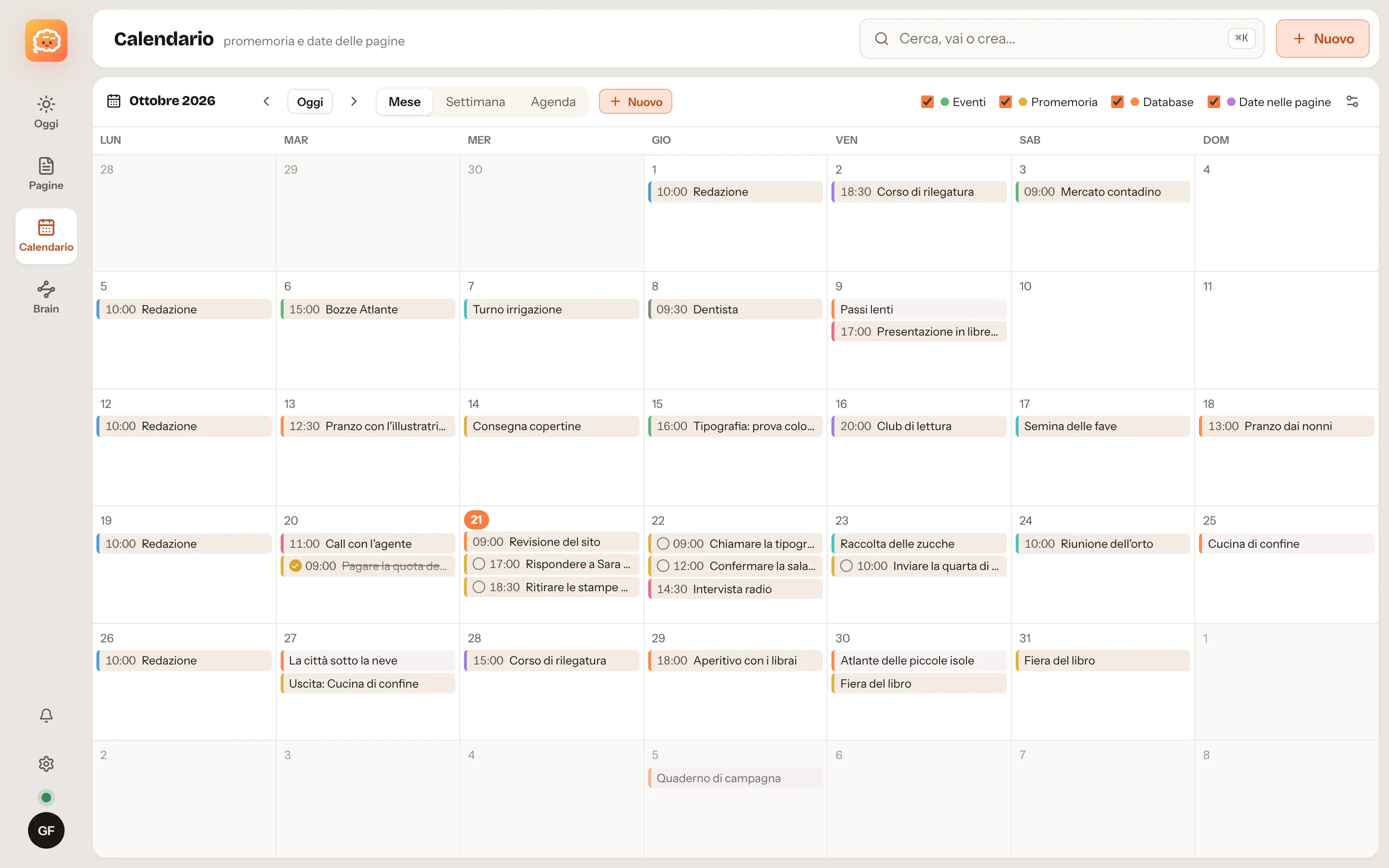
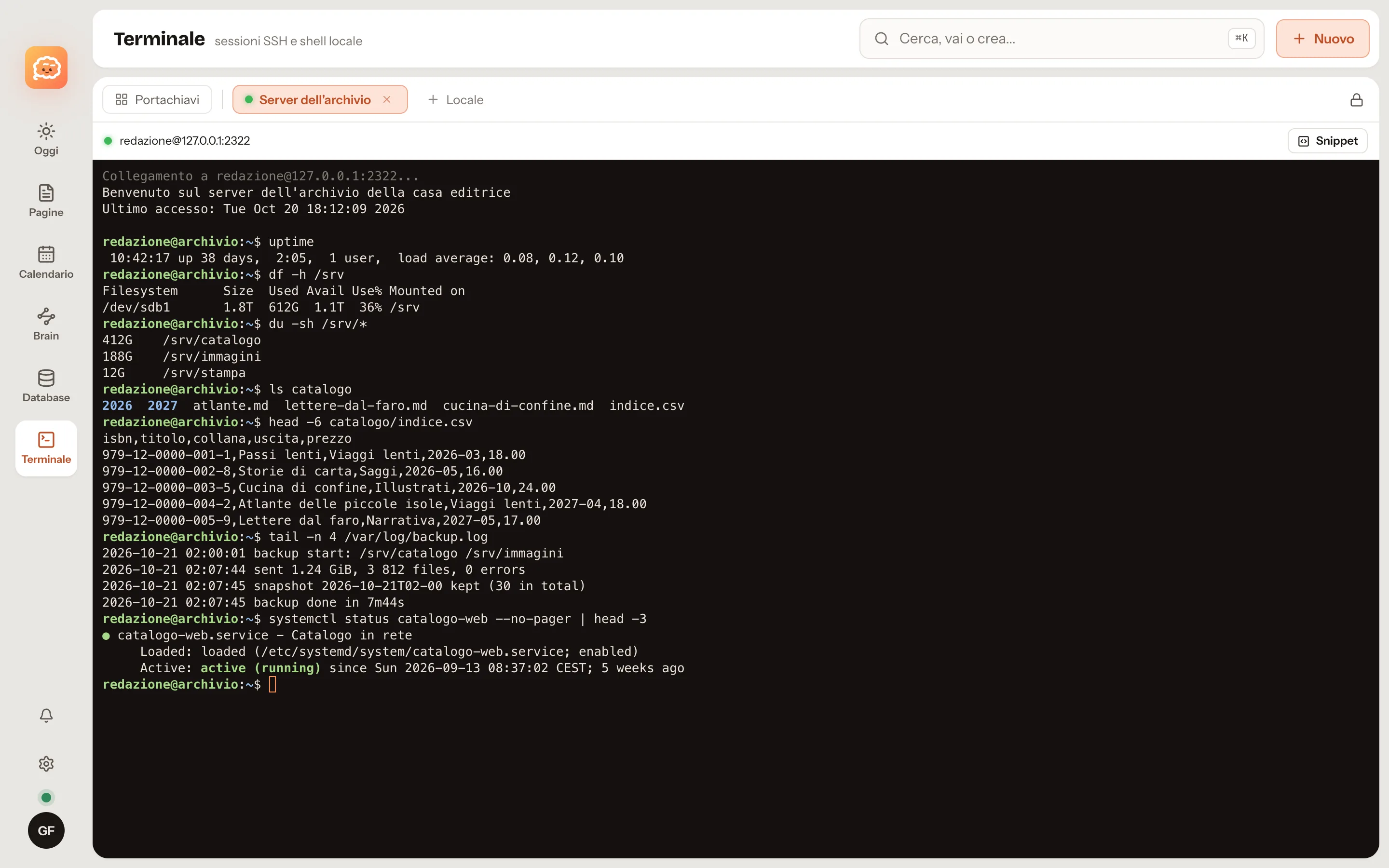
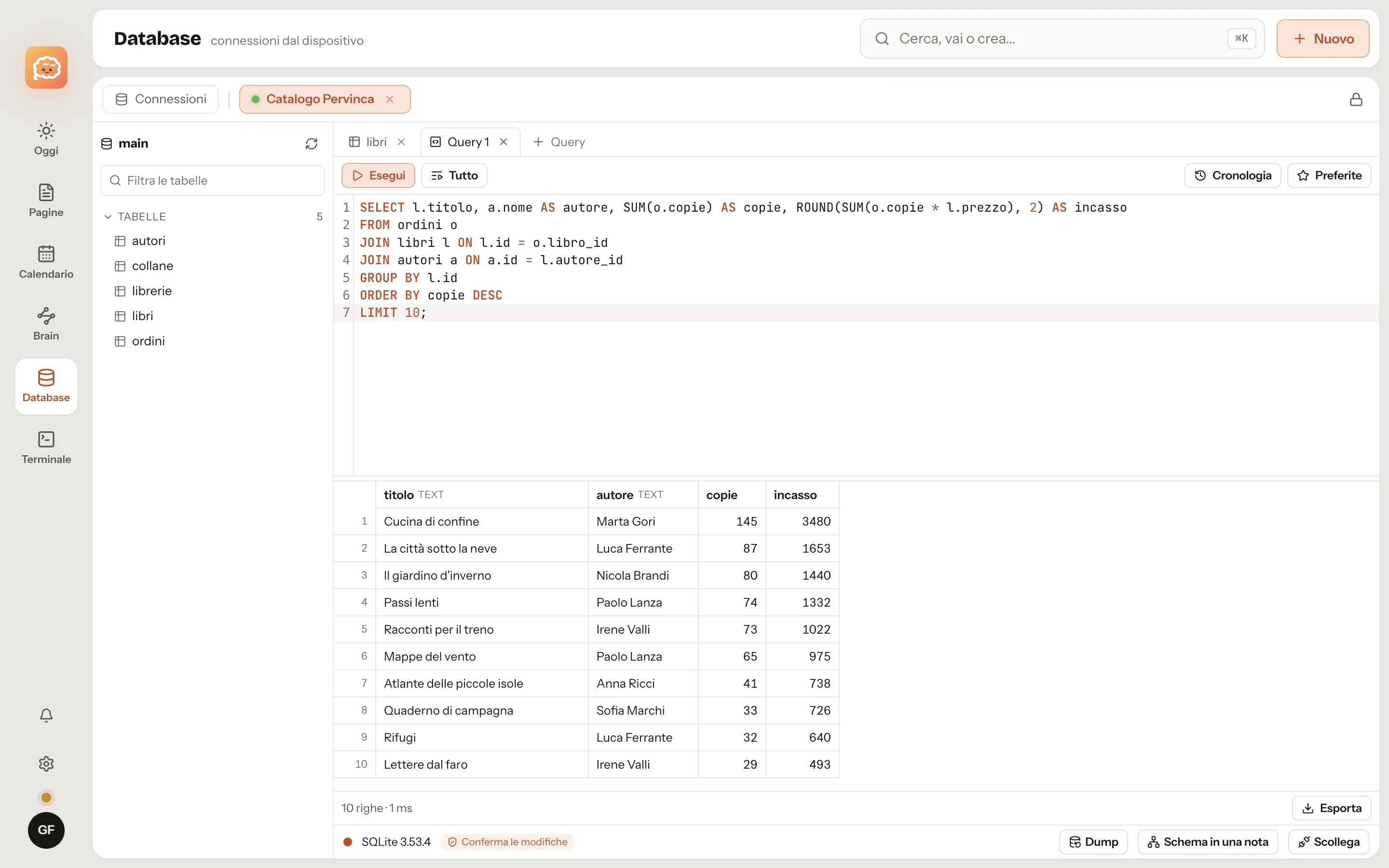
Your Brain is your assistant's memory.
Claude, Codex and any assistant that speaks MCP can search, read and update your notes: decisions, procedures, the things you already tried. On Noodle Cloud each assistant has its own permissions and connecting one requires two-step verification. On the Mac the local connector has one set of permissions for local assistants.
- Vault by vault: no access, read-only, read and write.
- Protected notes stay closed; a protected vault opens only if you grant it.
- Deleted pages go to the Trash; events and reminders are really deleted.
- Full control is off: you turn it on, assistant by assistant.
- youPick up where we left off with the studio move.
- mcpcerca "studio move"
- mcpleggi_pagina Brain/Projects/Studio move
- aiThe last decision is from 14 October: the fibre line arrives on 3 November, so the server stays in the old office until then. Still open: the carpenter's quote and the change of address for the post.
- mcpdiario "Back on the studio move: quote and address change still open"
What is protected, and how.
Encrypted keychain
Terminal and database passwords are encrypted with your account key, which the server never sees. A printable recovery kit, in case you lose everything.
Two-step verification
Face ID, Touch ID, passkeys or an authenticator app. Sensitive actions ask for a recent confirmation.
Everyone in their own space
On the server each account gets its own container for data, files and backups, kept apart from everyone else's.
Integrations with permissions
Before installing one you see what it asks for. Noodle grants only what is listed.
Start on your Mac. Add Noodle Cloud later, if you want it.
No sign-up. Download, open, write.