Everything you know, on a single thread.
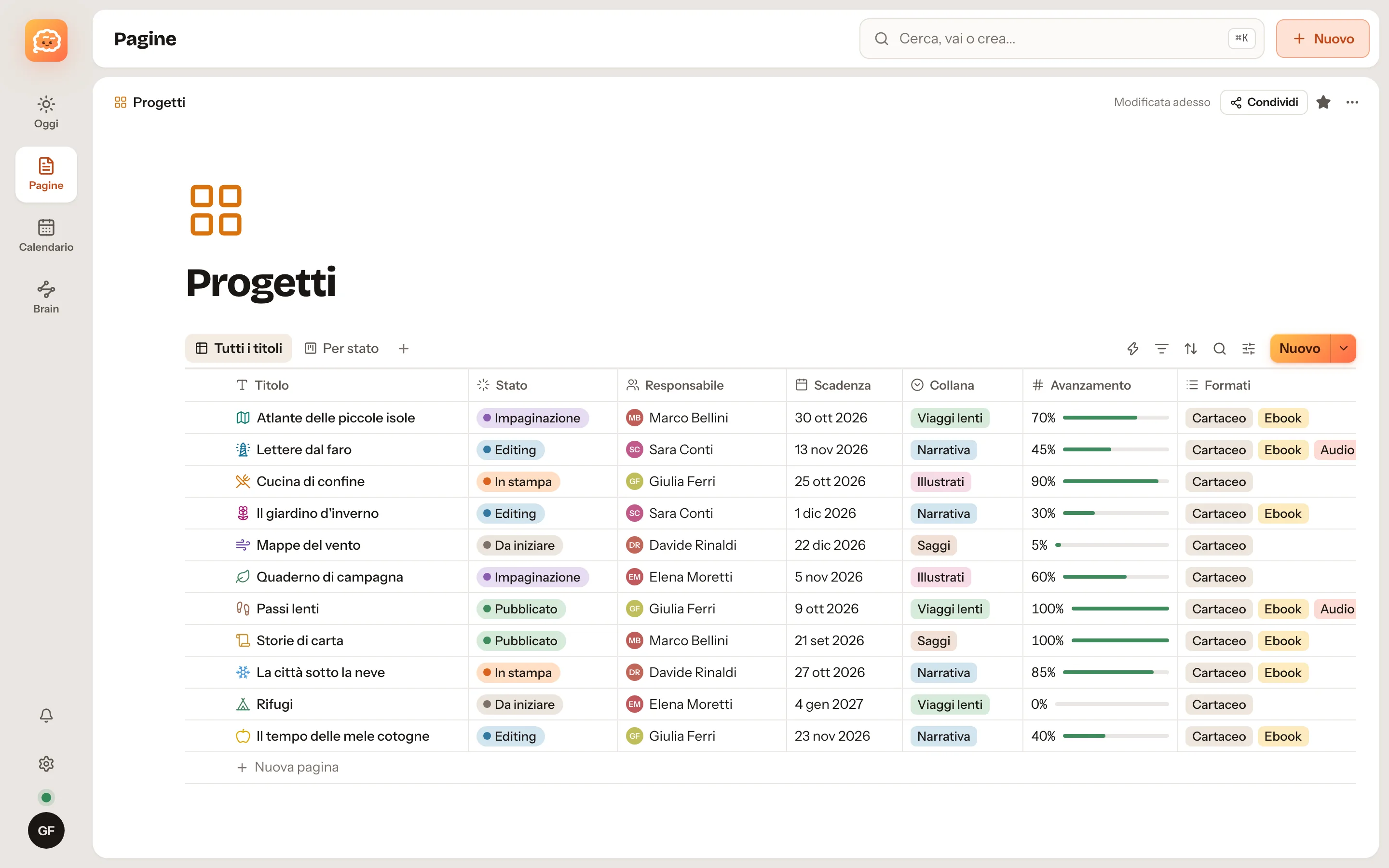
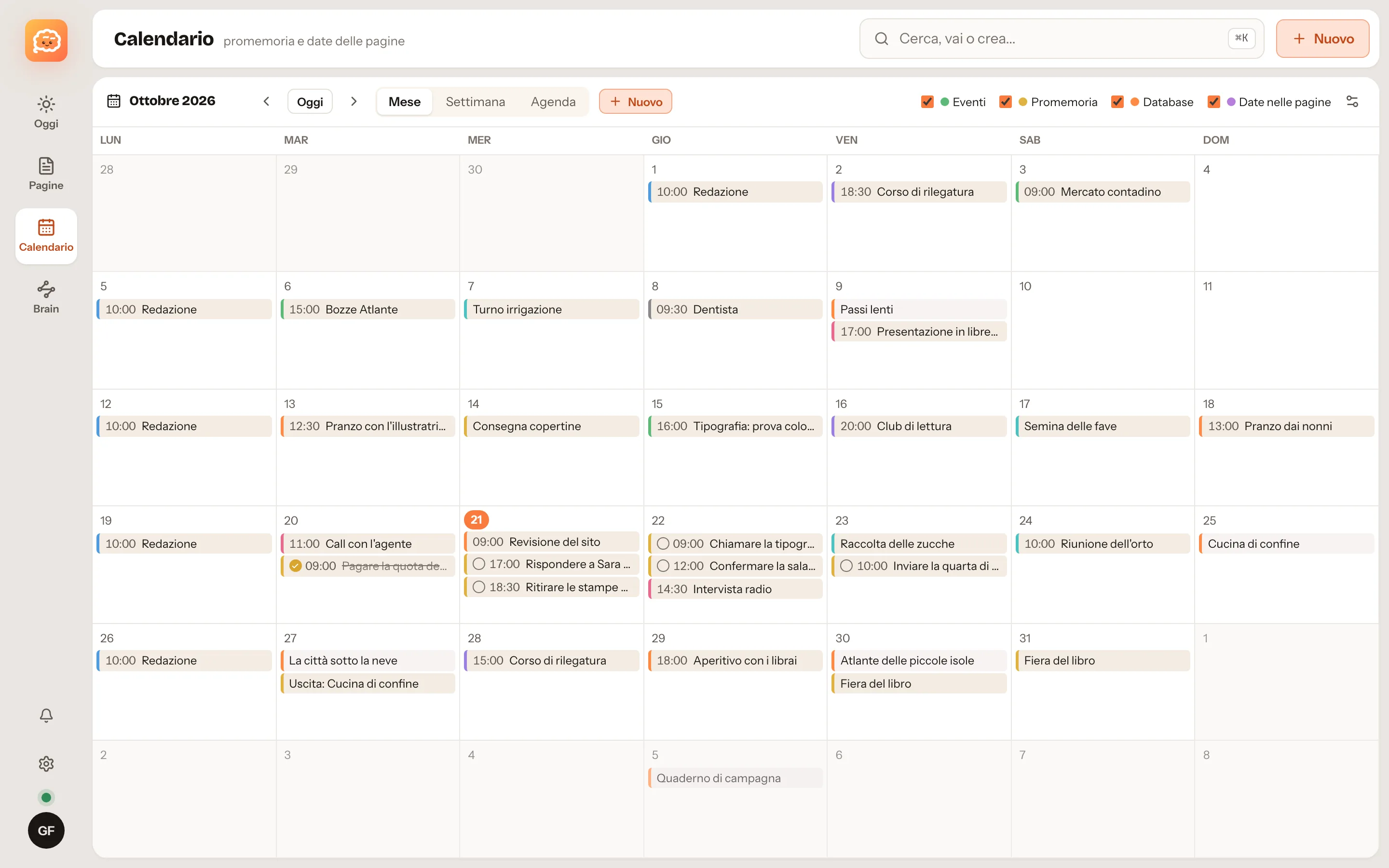
Pages, databases, a calendar, a Brain of linked notes and a terminal, in one app. It works offline, syncs with the server you choose, and Claude or Codex read and write in it only when you allow them to.
- Works offline
- No account required
- Your data stays yours
- Synced with your own server
- Blocks: tables, code, to-dos
- The Brain: linked Markdown notes
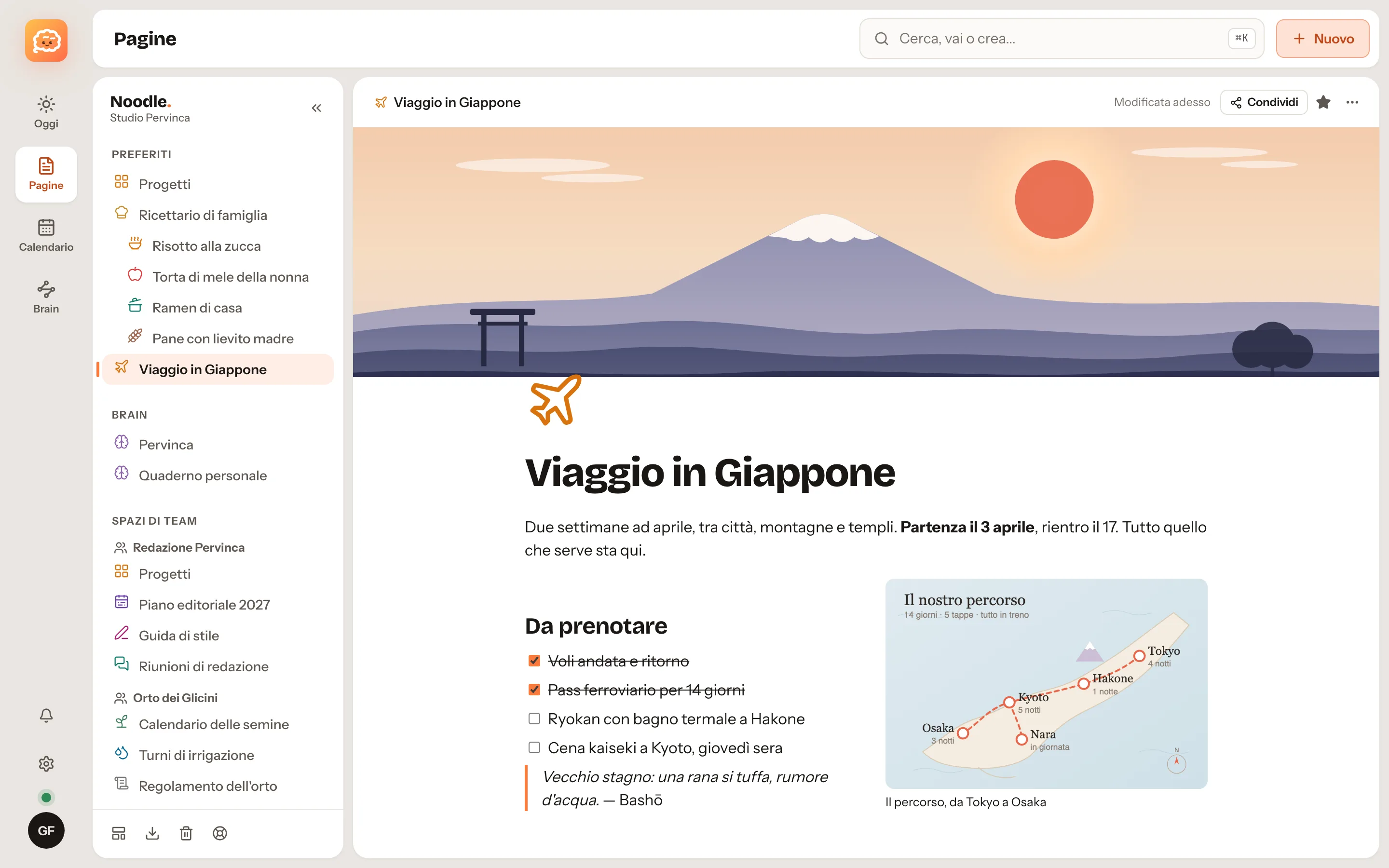

You decide where they live. You can change your mind later.
Pages are always stored on the device too, so Noodle opens and works without a connection. What changes is where the copy that keeps everything in step lives.
-
Free
Just this Mac
Download the app and start writing. No account, no server: everything stays on your computer, including protected notes, encrypted on disk.
The easiest way to start. Connect a server whenever you like and your pages move up on their own.
-
Free
Your own server
One Docker container on a mini PC, a NAS or a rented server. Mac, iPhone and browser stay in sync in real time, with backups every six hours.
Accounts for your family or team, shared spaces, storage limits you set. Nothing to pay for.
-
Coming soon
Noodle Cloud
For people who want sync without thinking about servers, backups and updates. Same app, same format, no lock-in.
Export your data at any time and move it to your own server whenever you want.
What's inside
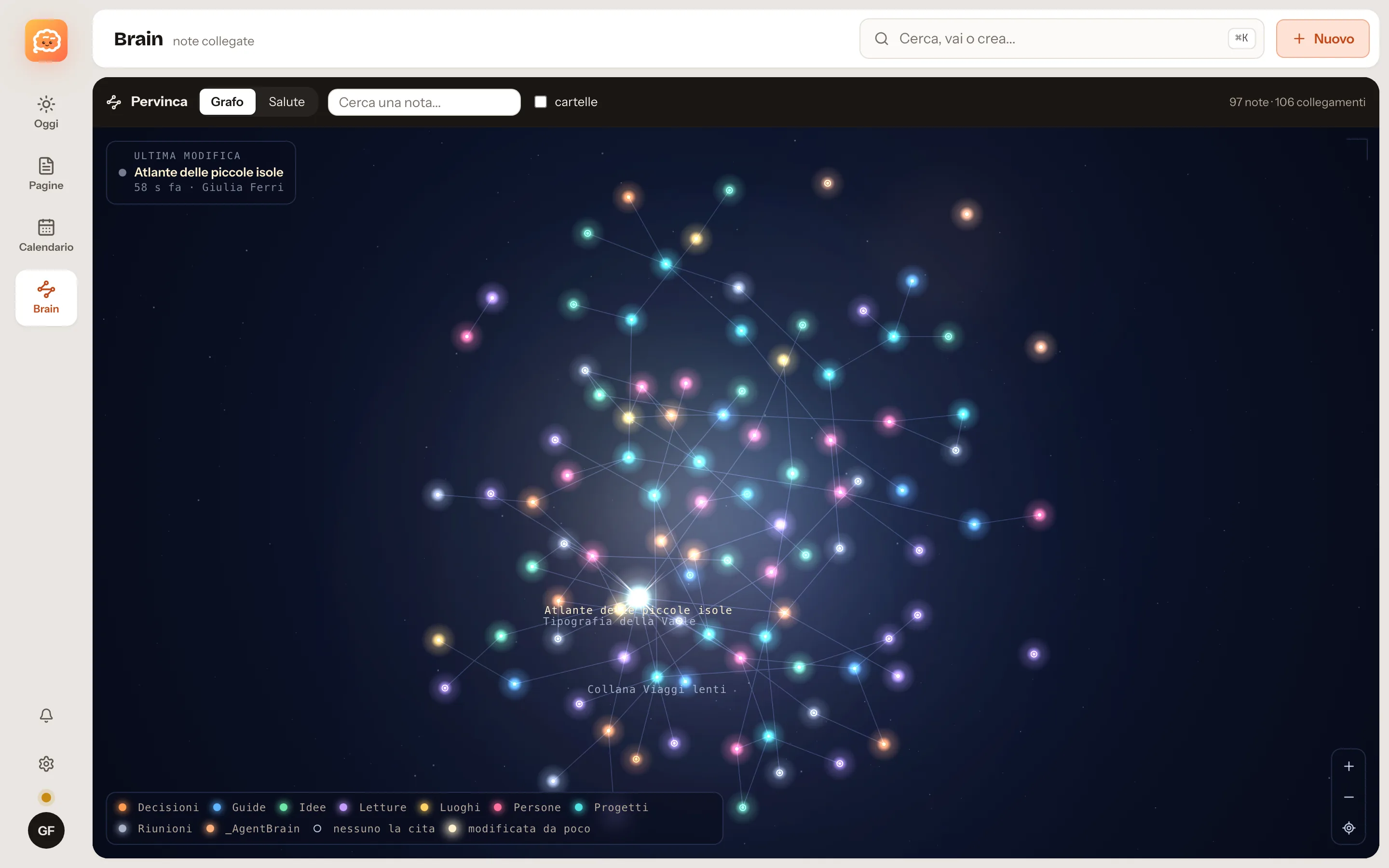
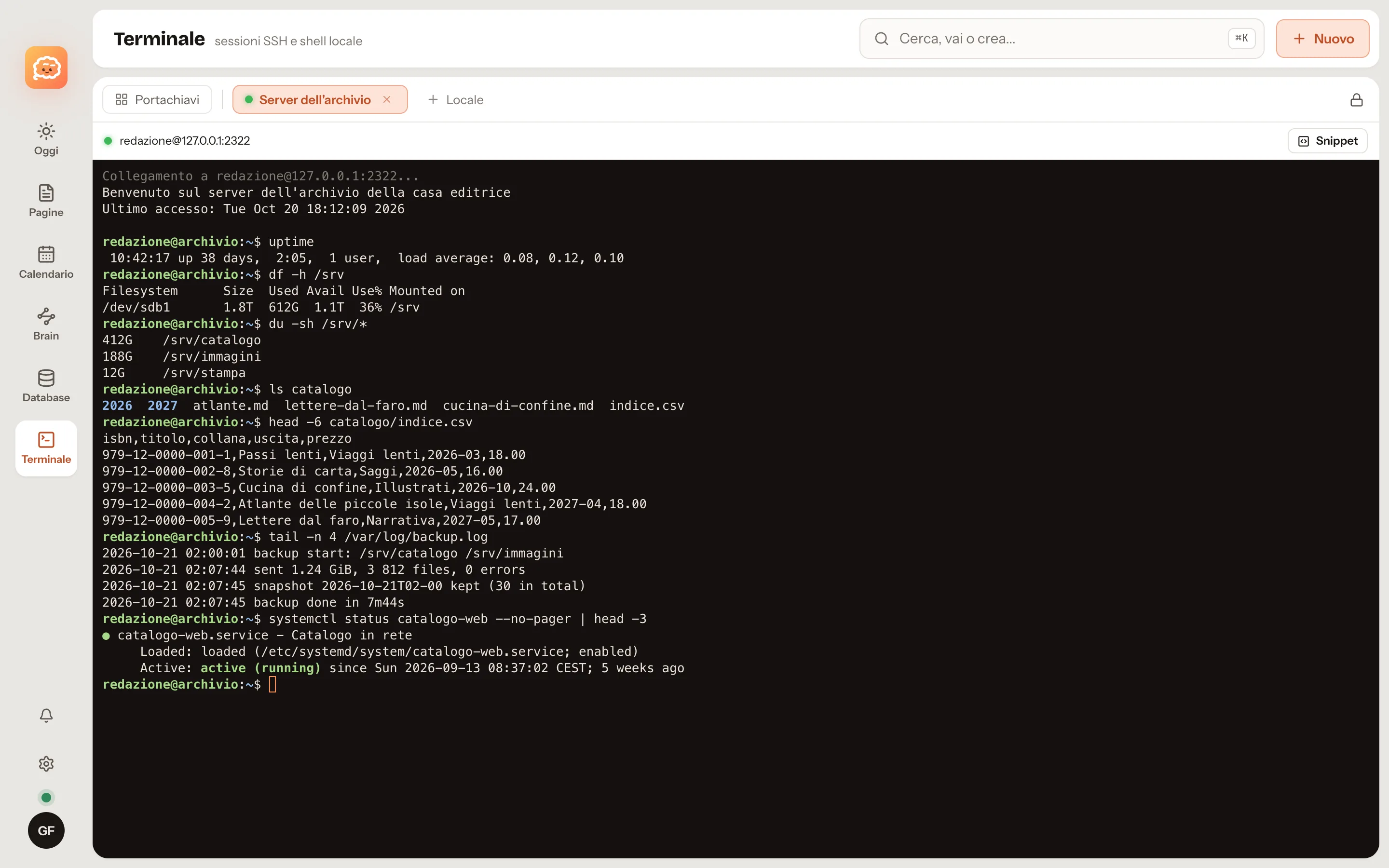
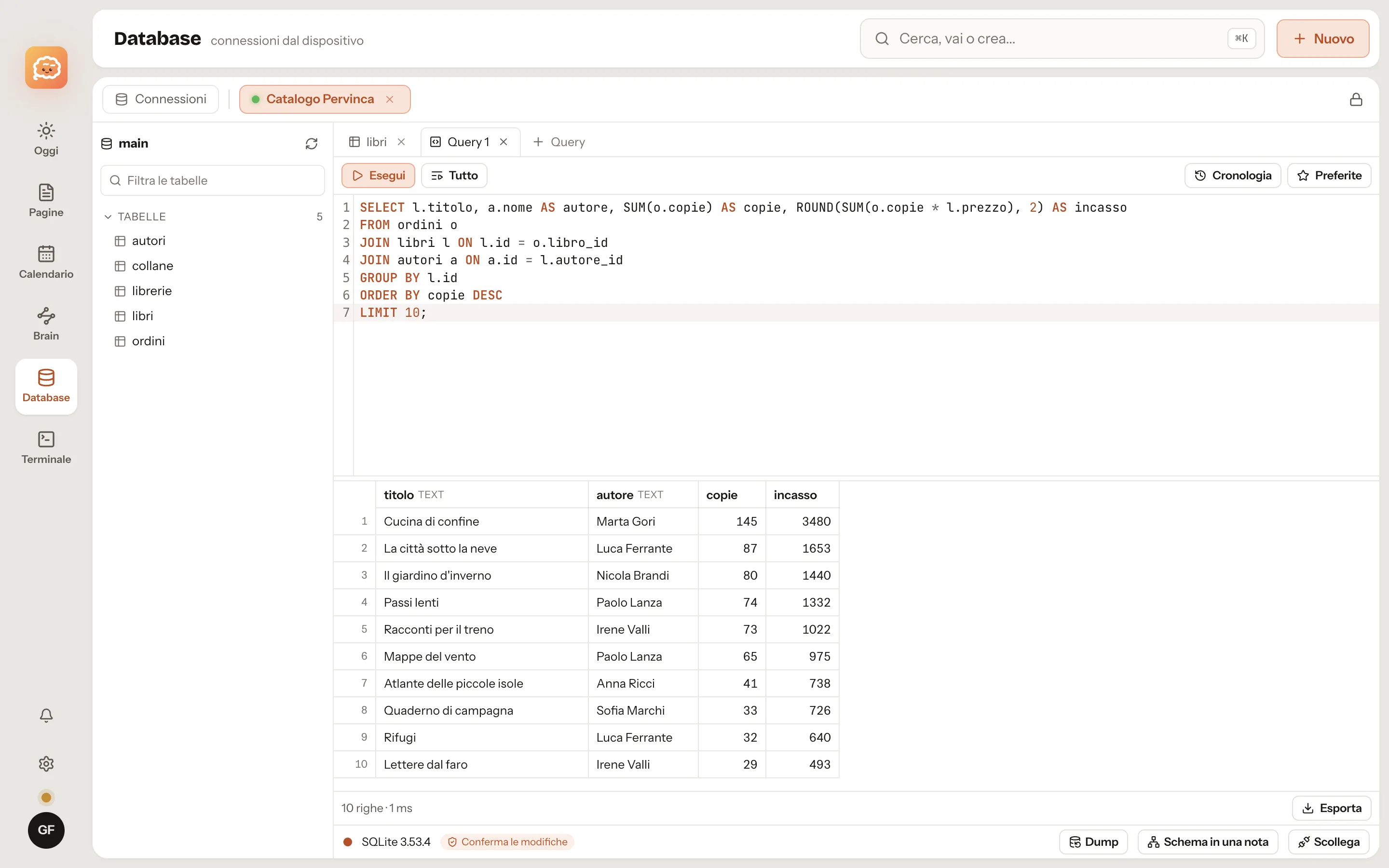
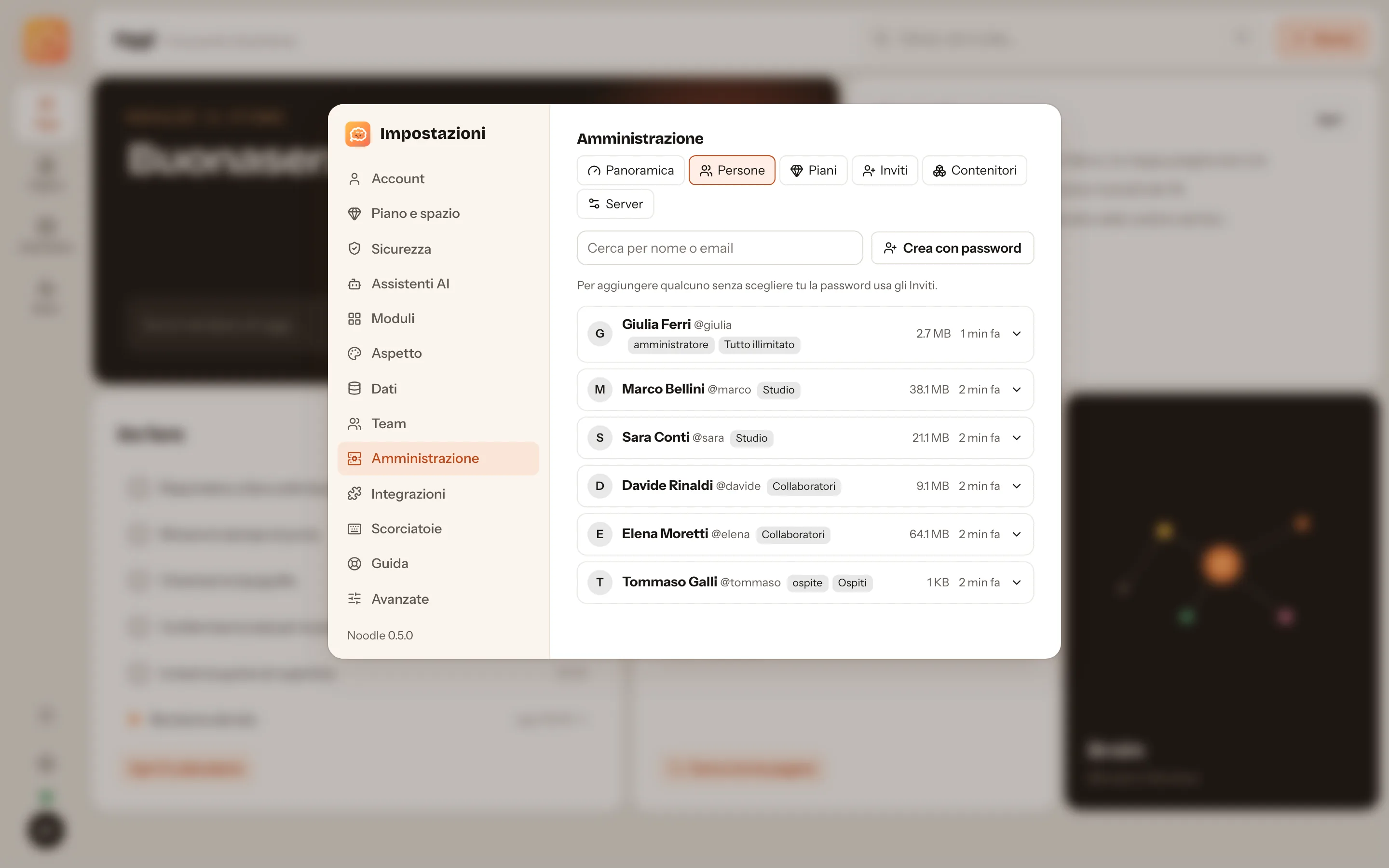
Your Brain is your assistant's memory.
Claude, Codex and any assistant that speaks MCP can search, read and update your notes: decisions, procedures, the things you already tried. Each assistant sees only the vaults you grant, read-only or read-write, and connecting one requires two-step verification.
- Per-vault scopes: no access, read-only, read and write.
- Protected notes stay closed to assistants as well.
- An assistant never deletes anything for good: at most it moves things to the bin.
- youPick up where we left off with the studio move.
- mcpcerca "studio move"
- mcpleggi_pagina Brain/Projects/Studio move
- aiThe last decision is from 14 October: the fibre line arrives on 3 November, so the server stays in the old office until then. Still open: the carpenter's quote and the change of address for the post.
- mcpdiario "Back on the studio move: quote and address change still open"
Built for people who dislike surprises.
Encrypted keychain
Terminal and database passwords are encrypted with your account key, which the server never sees. A printable recovery kit, in case you lose everything.
Two-step verification
Face ID, Touch ID, passkeys or an authenticator app. Sensitive actions ask for a recent confirmation.
Everyone in their own space
On the server each account gets its own container for data, files and backups, kept apart from everyone else's.
Integrations with permissions
Before installing one you see exactly what it can do. If it isn't listed, it can't do it.
Start on your Mac. Add a server later, if you want one.
No sign-up. Download, open, write.